
How do I reactivate payments on my HyperRing?Updated 6 months ago
If you've previously paused payments on your HyperRing and now want to start using it for payments again, follow these simple steps to reactivate:
1. Open the HyperRing Pay app on your smartphone
2. Select your HyperRing from the device list
3. Tap on 'Payment cards' to view your connected card(s)
4. Find the paused card and tap on it
5. Select the 'Reactivate payment card' option
6. Enter the email you used before when connecting your payment card to your HyperRing Pay.
7. Wait for the confirmation that reactivation is complete
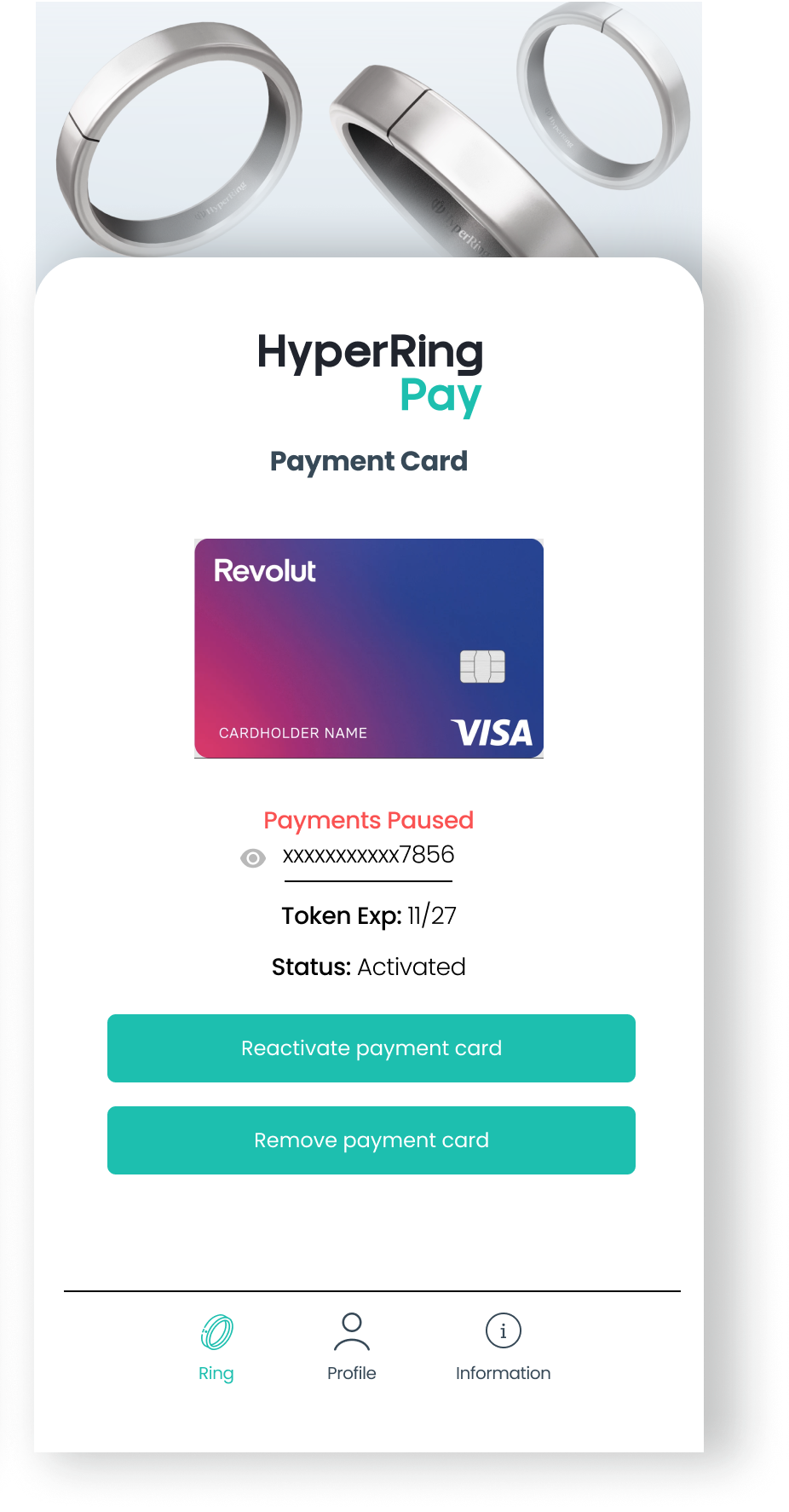 Image Caption
The reactivation process typically takes just a few seconds. Once completed, your HyperRing will immediately be ready to make contactless payments again.
Important notes:
- Your phone must have NFC enabled to complete this process
- The payment card must still be valid and not expired for reactivation to succeed