How do I remove the connected payment card from my HyperRing?Updated 6 months ago
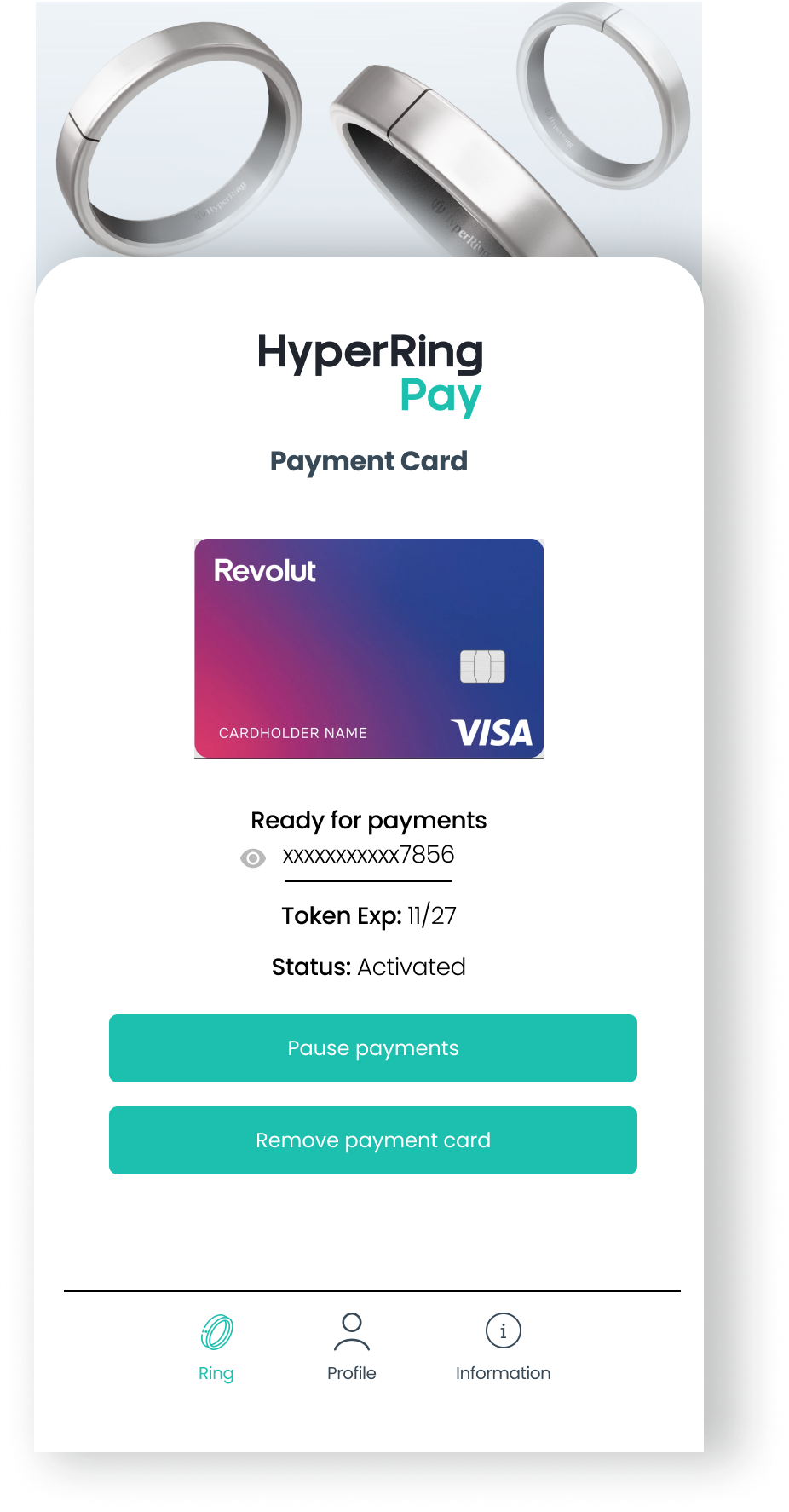
You can use our HyperRing Pay App to remove the payment card from your HyperRing.
If you have lost your HyperRing please call your bank. Otherwise follow the instructions below:
Viewing and Removing a Card
- To view card details, navigate to the ring’s "Connected Payment Card" section.
- To remove a card, select the card and tap Remove Card. Confirm your action.