
My HyperRing is lost or stolen, what do I do?Updated 6 months ago
If your HyperRing is lost or stolen, take these steps immediately to secure your payment information:
Immediate Actions
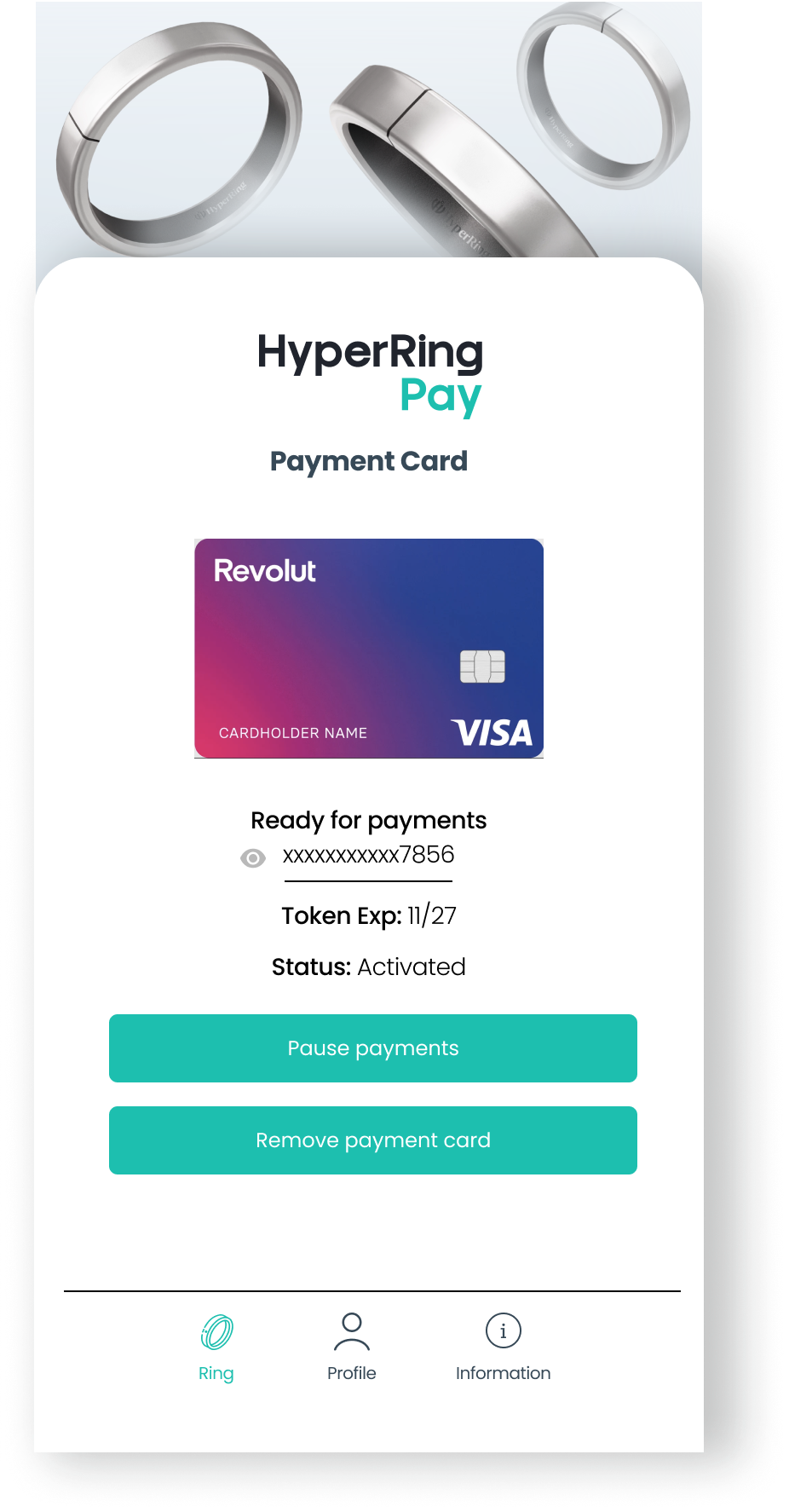
1. Pause Payments in the HyperRing App:
- Open the HyperRing Pay app on your smartphone
- navigate to the ring’s "Connected Payment Card" section.
- select the card and tap Pause Payment. Confirm your action.
- This is the quickest first step while you decide what to do next
2. Contact Your Card Issuer:
- Call your bank's customer service (usually there's a number on the back of your physical card)
- Inform them that a device containing your digital payment card has been lost or stolen
- They can block the digital token associated with your HyperRing
- Discuss whether you need to replace your physical card as well
3. Remove the HyperRing from Your Account:
- In the HyperRing Pay app, go to your HyperRing list
- Select the lost HyperRing
- Choose the option to remove the device from your account
- This prevents anyone from managing the wearable through your account

Additional Precautions
- Monitor Your Transactions: Check your bank statements or app for any unauthorized transactions
- File a Police Report: If your HyperRing was stolen, consider filing a police report
Important Information to Know
- Contactless payments typically have transaction limits (usually €25-€50 in Europe or equivalent)
- Most banks have zero-liability policies for fraudulent transactions reported promptly
- Your physical payment card will continue to work normally unless your bank decides to replace it